Tyrian modding overview
A mod is a folder: a mod.json that describes what you add or change, plus optional PNG sprites and level files.
No recompiling, no ID numbers to pick.
What a mod can do
| Content | Page |
|---|---|
| New weapons, ships, sidekicks, shields and specials, written from scratch or copied from an original item | mod.json and items |
| Shop availability and the starting loadout | mod.json and items |
| Replace any named original sprite, add new ones, recolor a whole mod | Sprites |
| New enemies with data-driven flight paths, tracking and turrets; enemy weapons; changes to original enemies | Enemies and behaviors |
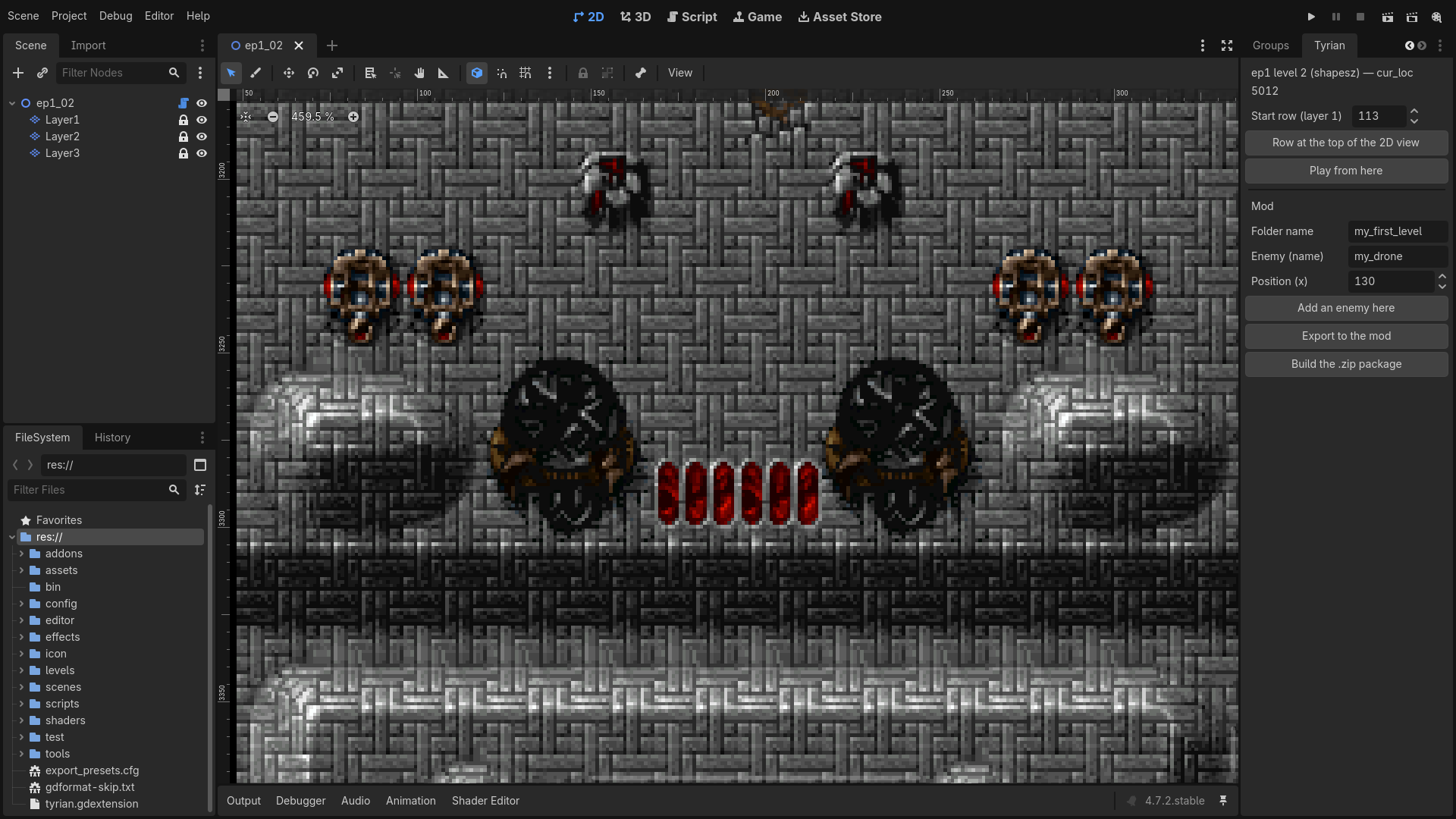
| Add or replace the enemy waves of an original level | Level events |
Not moddable yet: level maps (tiles), music, sound effects and the palette.
One rule: everything is named
The weapons, ships, enemies and sprites a mod creates are named by their author, and the original content a mod copies or changes is
cited by its name too, for example "base": "Vulcan Cannon" or "original": "jungle_fighters_07". The engine assigns
every internal slot itself, so two mods never fight over a number.
Anatomy of a mod
my_mod/
  mod.json              required: "format_version": 1 and "name"
  README.md             optional: shown in Setup → Mods (1 KiB at most)
  levels/ep1_09.json    optional: enemy waves of a level
  sprites/shots/*.png   optional: images, cited by their file name
The smallest useful mod copies one original item:
{
  "format_version": 1,
  "name": "My Mod",
  "weapons": [
    { "name": "Alien Vulcan Cannon", "base": "Vulcan Cannon", "always_available": true }
  ]
}
Installing and enabling a mod
- From the game: Setup → Mods → Install a mod (.zip), or drop the
.zipon the game window while that menu is open. The archive must holdmod.jsonat its root or inside a single top-level folder. An archive that would write outside its folder, or a mod whose folder already exists, is refused with the reason; to update a mod, delete its folder first. - By hand: Open mods folder opens
userdata/mods/; copy the mod folder there. - Enable: each mod is marked ON, OFF or ERR. Enter toggles the selected mod, Esc applies (the game reloads mods
at once). The choice is kept in
mods.cfg;mod.jsonis never modified. - Mods are read from
userdata/mods/first, then from the mods shipped with the game, in alphabetical folder order, 32 at most. - Launch options:
-- --mods=offdisables every mod,-- --mods=a,benables onlyaandb.
A broken mod shows a clear error on its line instead of crashing the game.
Checking a mod
Without Rust: point your editor at the published JSON schema with the "$schema" key to get completion and live errors
(VS Code does this out of the box), or check from a shell:
pip install check-jsonschema json5
check-jsonschema --force-filetype json5 --schemafile rewrite/mods/mod.schema.json my_mod/mod.json
The schema checks structure, types and ranges. Names (sprites, items, original enemies) are checked by the game and by the
tyrian-mods tool.
With the source code: the tyrian-mods tool loads mods exactly like the game.
cd rewrite
cargo run --release -p tyrian-mods -- check --data ../data --mods <folder> --enable-all
cargo run --release -p tyrian-mods -- run   --data ../data --level ep1_09 --ticks 700 --enable-all
check prints what each mod loaded and every diagnostic (exit code 1 on error); run plays a level without display and
counts how many times each enemy appears, a quick proof that your new enemy really spawns.